


IT TRAINING


AI Tools For AI-Powered Skills Program
Build Future Skills During Your Vacation. Today’s students need more than school education. They need practical digital skills that help them in the modern world.
Our AI Vacation Batch helps students:
AI-Powered Vacation Skills Program Training Schedule

45 Days Vacation Program

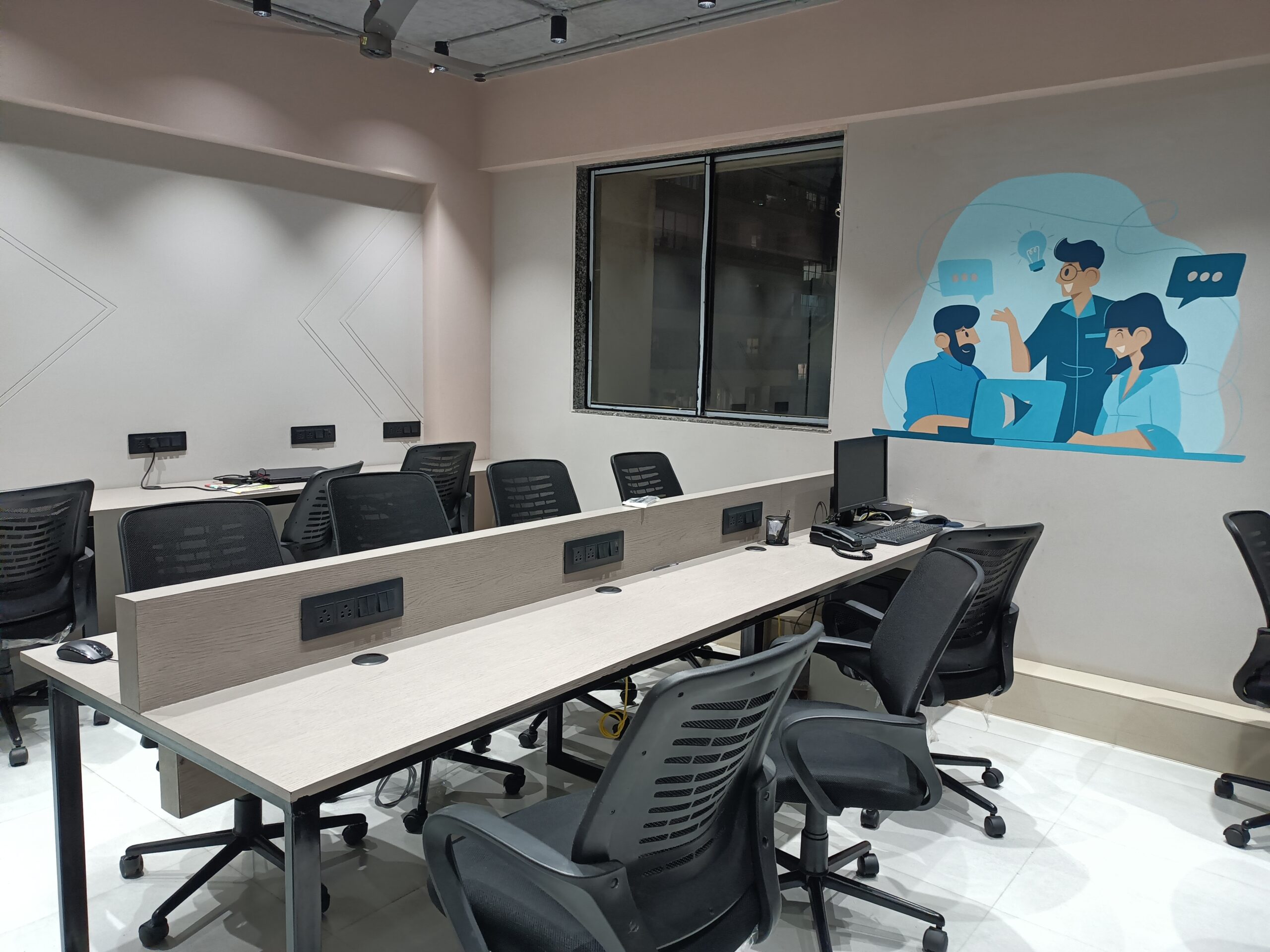
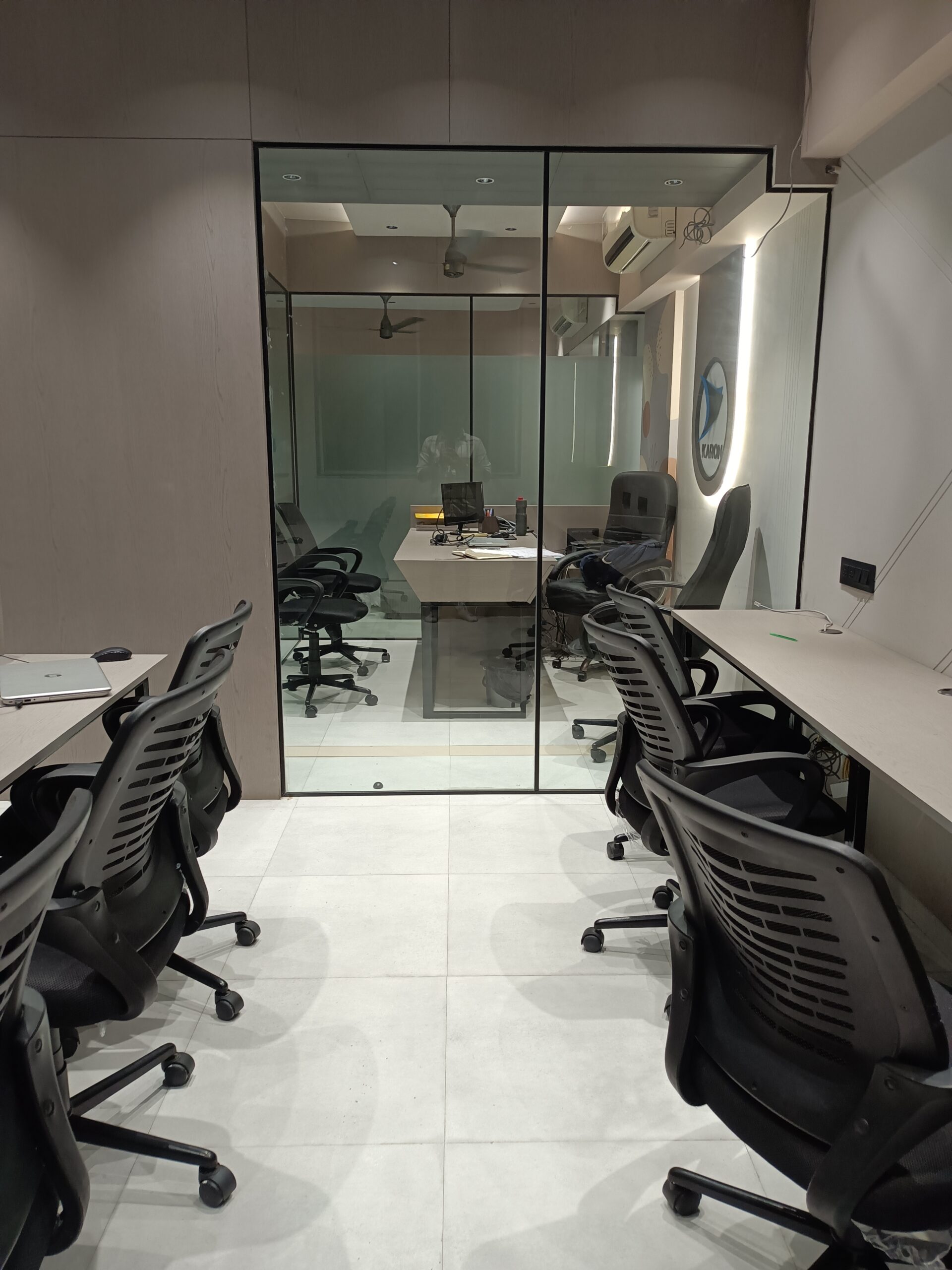
Offline Classroom Training

Flexible Morning & Afternoon & Evening Batches

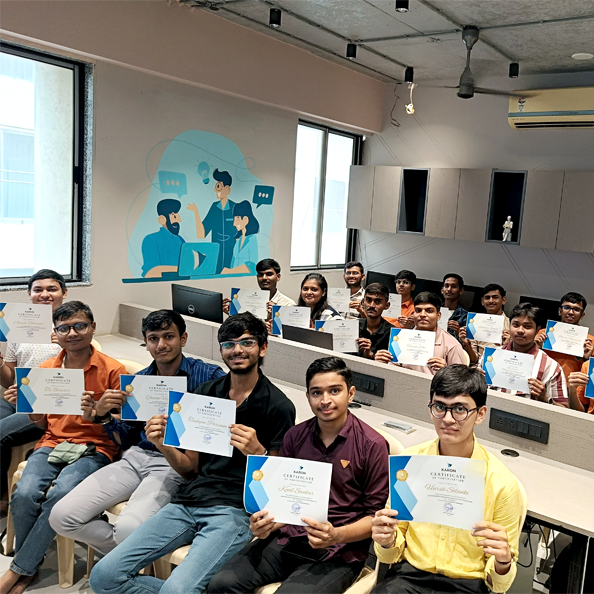
Students will receive a Course Completion Certificate

Students can use AI tools to : Complete homework faster, Create presentations easily, Write assignments with better quality, Understand difficult topics quickly

Students learn practical skills like : AI tools
for productivity, Graphic design using
Canva, Content creation for social media,
Smart internet research

AI is becoming part of every industry. Students who learn AI today will be better prepared for tomorrow’s jobs and opportunities.
AI-Powered Skills Program Course Syllabus
What is Artificial Intelligence?
How AI is different from normal computer software
History and growth of AI (from simple programs to smart AI)
Where we see AI in daily life (Google search, YouTube, chatbots, etc.)
How offices and government systems use AI
Using AI for writing, ideas, summaries, and communication
Responsible and safe use of AI
Understanding the limits of AI
AI for Presentations
Planning a presentation using AI
Creating slide content with AI
Designing attractive slides
Adding images using AI tools
Using themes and layouts properl
Adding animations and transitions
Speaking confidently during presentations
AI for Data and Excel
Planning a presentation using AI
Using basic formulas
Using AI to create formulas
Creating charts and graphs
Using Pivot Tables (basic level)
Understanding data results using AI
AI for Documents and Writing
Writing official letters
Creating reports
Formatting documents properly
Improving grammar and language
Summarizing long content using AI
Rewriting content in better language
Storing files in Google Drive
Sharing files safely
Working together on documents
Writing professional emails
Scheduling meetings
Creating online forms
Using AI to summarize and improve content
Creating social media posts
Designing posters and flyers
Creating visiting cards
Designing simple logos
Generating images using AI
Writing captions for posts
Creating short promotional videos
What is cybersecurity?
Common online threats (phishing, fake links, fraud)
Creating strong passwords
Using two-factor authentication
Protecting personal information
Safe use of AI tools
Digital footprint awareness
Creating LinkedIn profile
Writing resume using AI
Making ATS-friendly resume
Writing cover letter
Preparing for interviews
Understanding job opportunities
We are happy to help you 24/7


Students Trained So Far
Students Placed
Students Under Training
(At a Time)
Google Review


